Install the 100slot APK on Android
The Android app is distributed as an APK from the official 100slot site rather than Google Play. Store restrictions on real-money gaming apps make direct installation the usual route for Malaysian players. Use the official download link: repackaged files shared in forums or messaging groups can contain malware.
- Open the official 100slot site on your phone.
- Select the Android APK download link.
- In Android settings, allow installation from your browser when prompted about unknown sources.
- Open the downloaded APK and confirm installation.
- Launch the app and log in or register.
On a normal connection, installation takes about two to three minutes. Obtain future updates through the app or official site, never an unsolicited WhatsApp or SMS link.
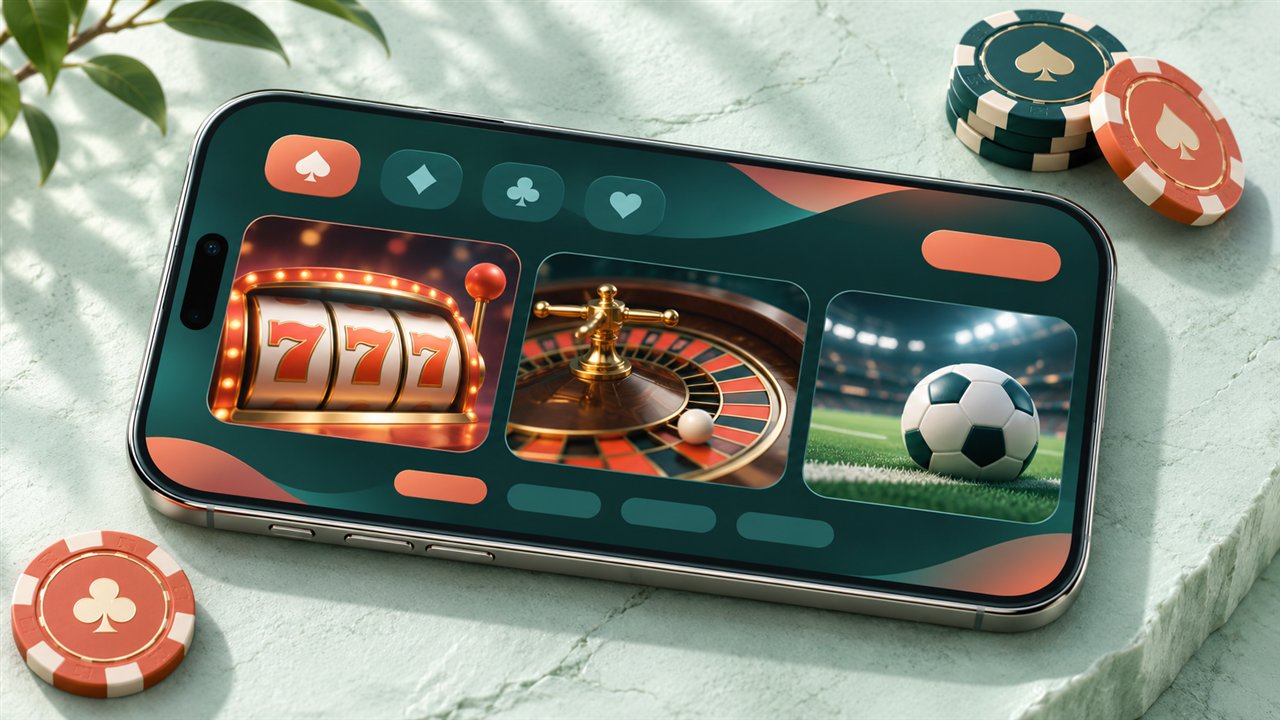
Use 100slot on iPhone or iPad
There is usually no native 100slot iOS app in the Malaysian App Store. Open the site in Safari, choose the share option and add the page to your home screen. The new icon opens the mobile version full screen without browser bars and can retain your session between visits.
| Platform | Access method | Typical setup |
|---|---|---|
| Android | Official APK download | 2–3 minutes |
| iOS | Safari “Add to Home Screen” | Under 1 minute |
Phone and Connection Requirements
The app is designed for most phones released in the past five years. Android 8.0 or newer and around 100 MB of storage are recommended. For the iOS browser version, use Safari on iOS 13 or later. A stable 4G or Wi-Fi connection helps; live streams work best at 5 Mbps or more, and 3 GB of RAM makes table play more comfortable. Older phones can still handle the lighter slot lobby.
What Is in the Mobile Lobby?
After login, your RM balance appears above the slots, live casino, sportsbook, promotions and cashier sections. The app also includes transaction history, a game search by name or provider, favourites, optional push alerts for offers and withdrawal status, and in-app live chat. Bottom navigation keeps the main areas within thumb reach; the cashier is two taps away.
New players can register with a username, password and Malaysian mobile number, then confirm the SMS code. Existing players use their desktop credentials. Keep a screen lock on your own phone and avoid a saved session on a shared device.
Slots, Tables and Sports on Mobile
The mobile library matches desktop: classic three-reel slots, video slots with free-spin features, and RNG baccarat, roulette and blackjack. Live baccarat, roulette and sic bo stream in portrait or landscape mode, with table stakes starting at a few ringgit. Sportsbook markets and promotions are available in the same account.
On 4G, games generally load quickly and preserve the session if a call interrupts play. Use strong 4G or Wi-Fi for live streams; a weak signal may lower video quality even though bets stay recorded on the server.
App Security and Payments
Login and payment pages use the same SSL encryption as the website. Enable a phone screen lock or biometric unlock, activate withdrawal OTP confirmation in account settings, keep updates on the official channel and log out before selling or lending your phone. Your RM balance, payments and history sync across app, browser and desktop.
App or Mobile Browser?
| Feature | Android app | Mobile browser |
|---|---|---|
| Speed and login | Faster; can stay signed in | Usually signs in each session |
| Storage | About 100 MB | No app storage |
| Alerts | Optional push notifications | No app push alerts |
| Updates | Manual APK updates | Always current |
| iPhone access | No native iOS app | Available in Safari |
Frequent Android players may prefer the app; occasional players and iPhone users can use the browser for the same games, cashier and support.
Troubleshoot the App
- Installation fails: confirm the browser has installation permission and that enough storage is free.
- App closes on launch: clear its cache and reinstall the current official APK.
- App login fails while browser login works: update the app to the latest version.
- Live video lags: switch to Wi-Fi or reduce stream quality in the table settings.
- Withdrawal alert missing: check transaction history; push delivery can be delayed after a payout processes.

100slot App FAQ
Does the app cost anything?
No. Download and installation are free, with no subscription or in-app fee. Money is spent only when you deposit into the casino wallet.
Where is the APK?
Download it from the official 100slot site, not a file shared on Telegram, WhatsApp or a forum.
Is the app secure?
The official app uses SSL connections and withdrawal OTP protection. Keep the device locked and install only official files.
Are all website features included?
Yes. Slots, live tables, sportsbook, cashier, promotions and support use the same account, RM balance and transaction history.